
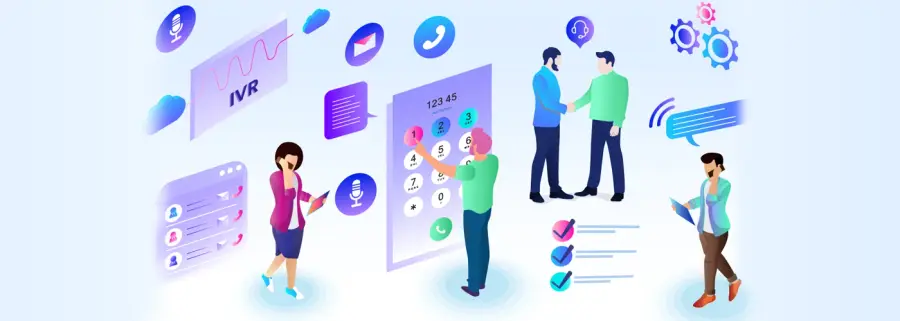
How an IVR works
- A customer calls your number.
- The IVR answers instantly with a greeting.
- It plays a menu (“Press 1 for sales, 2 for support…”) or asks for input such as an account number.
- Based on the input, it plays information, takes a message, or transfers the call to the right agent or queue.
- Every call is logged for reports and analysis.
Why businesses use an IVR
- Smart call routing – callers reach the right team first time.
- Handles a high influx of callers – no busy tones during peak hours.
- Answers routine questions automatically, so agents focus on complex calls.
- Always available – takes calls outside office hours.
- Supports remote working – calls can be routed to agents wherever they are.
- Reports and analysis – see call volumes, menu choices and wait times.
- Professional first impression for every caller.
Inbound and outbound IVR
| Inbound IVR | Outbound IVR | |
|---|---|---|
| Who calls | The customer calls you | The system calls the customer |
| Typical uses | Menus, call routing, information lines, after-hours messages | Reminders, alerts, surveys, announcements |
| Related service | IVR System | IVR Call Blasting |
Related
Combine the IVR with a call center dialer, generate prompts with text to speech, or run it on an IP-PBX. For phone lines, see PRI cards and PRI gateways. Guide: What is IVR and how does it work?
Frequently asked questions
What is an IVR system?
IVR (Interactive Voice Response) is an automated phone system that greets callers, offers menu options such as 'press 1 for sales', and routes the call or plays information based on the caller's input.
How does an IVR help a business?
It answers every call immediately, sends callers to the right department, handles routine questions without an agent, works outside office hours, and scales to a high number of simultaneous callers.
What is the difference between inbound and outbound IVR?
Inbound IVR answers and routes calls that customers make to you. Outbound IVR places automated calls to customers — for reminders, alerts, surveys or announcements — and can let them press a key to talk to an agent.
Can the IVR use text-to-speech?
Yes. Prompts can be recorded by a person or generated with text-to-speech, which is useful for dynamic information such as names, amounts or dates.
What do I need to run an IVR?
Phone lines (PRI, SIP or GSM), an IVR server or hosted IVR, and your call flow. 3G Callnet can supply the PRI cards and gateways as well as the IVR software.
Last updated: 4 November 2026